Agent instructionsDLTL
DLTL: Local Studio multi-controller setup

Role:
Operate on the real install. Use live controller URLs. Do not expose secrets.

Hard rules:
- Never use max_tokens.
- For vLLM/SGLang, never add --disable-cuda-graphs or --enforce-eager.
- Do not bypass SSH host-key verification.
- Keep keys in env, secure local files, or app settings.

Controller setup:
1. Verify each controller with GET /status, /gpus, /config, /v1/models.
2. Local default: http://localhost:8080.
3. Remote GPU boxes expose controller API, not raw inference ports.
4. Add each URL in Settings -> Connection. Keep all saved controllers.
5. Switch active target and confirm Settings -> System runtime state.

Provider setup:
1. Providers are OpenAI-compatible /v1 upstreams.
2. Create through the active controller:
   POST /studio/providers
   {
     "id": "local-lmstudio",
     "name": "LM Studio",
     "base_url": "https://provider.example/v1",
     "api_key": "$PROVIDER_API_KEY",
     "enabled": true
   }
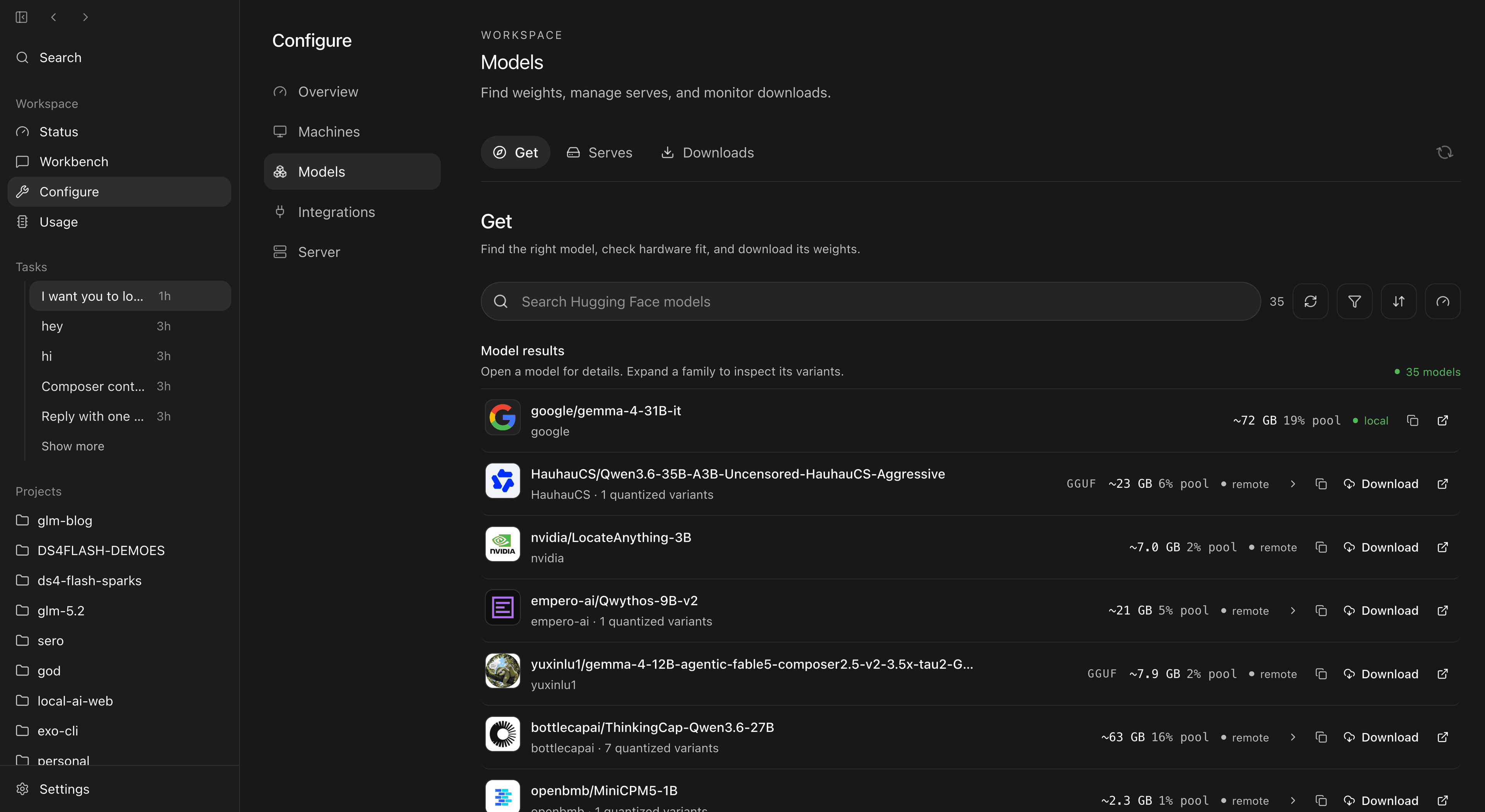
3. Verify GET /studio/providers and /studio/provider-models.
4. Route as model: "provider-id/model-name".

Runtime map:
- vLLM: CUDA throughput.
- SGLang: structured and multi-turn serving.
- llama.cpp: GGUF / llama-server.
- MLX: Apple Silicon.
- Launch through recipes/UI. Do not make chat proxy calls silently launch models.

Agent setup:
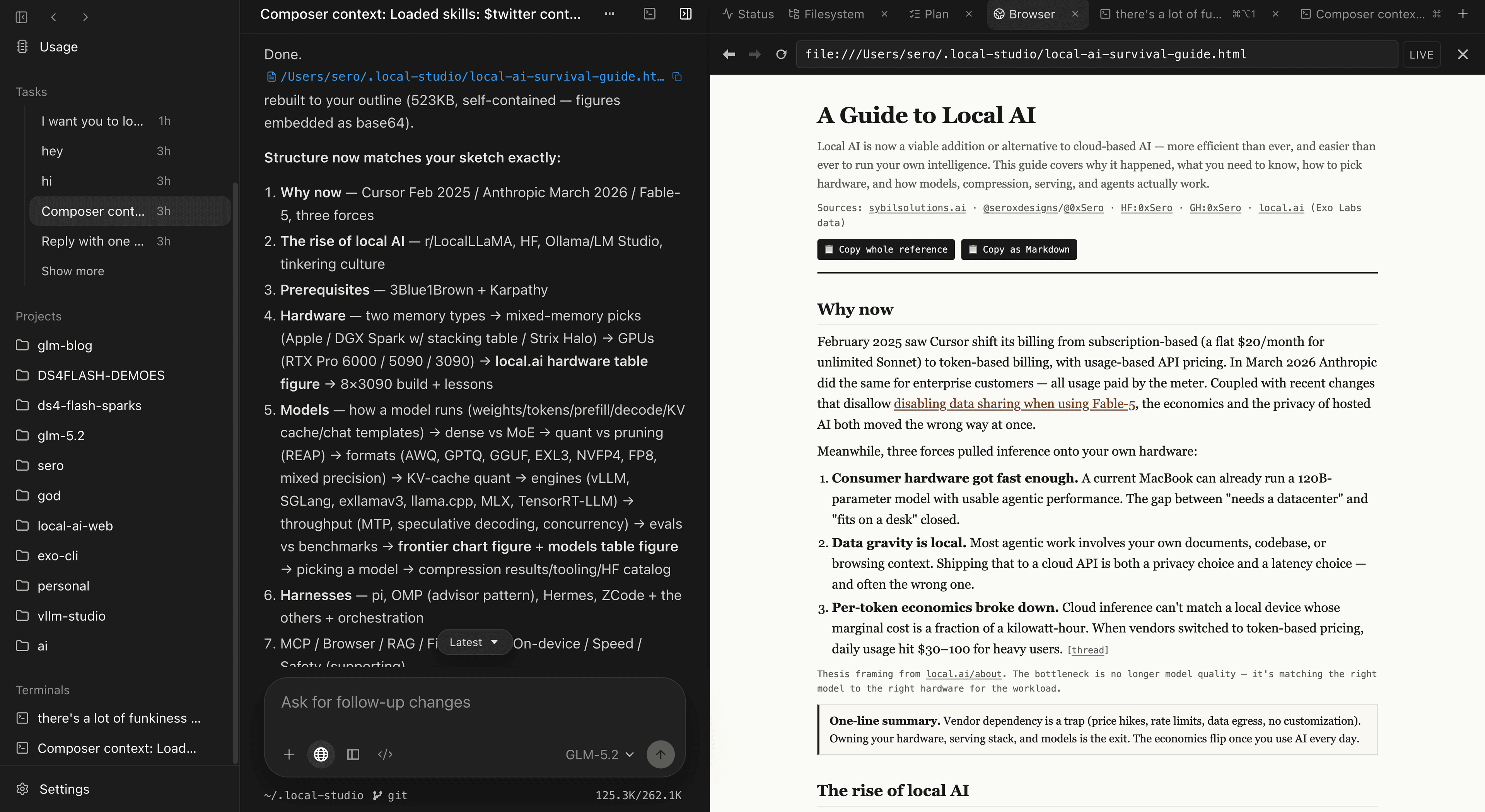
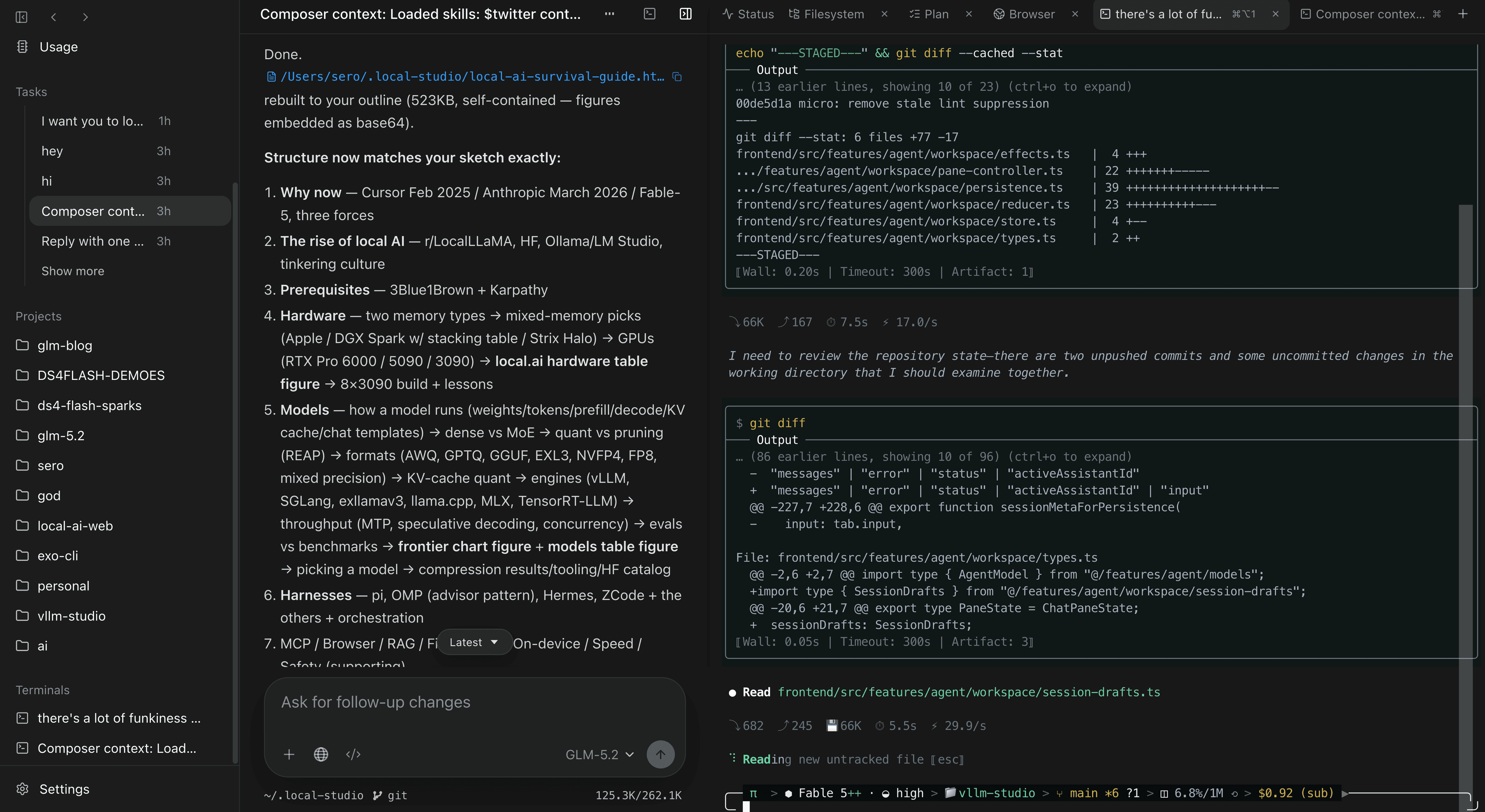
1. Open /agent.
2. Pick the controller model or provider/model route.
3. Smoke test: model, controller, browser, files, and terminal.

Acceptance checks:
- Settings switches controllers.
- System shows runtime state.
- /studio/provider-models lists enabled upstreams.
- /v1/chat/completions works locally and through one provider route.
- /agent can complete a turn using the selected model and local tools.
- No secrets in diff, logs, screenshots, or commits.